


AI Logo Generator, Logo Maker
4.81.44K Reviews
App Specs
- Version
- 156.0
- Updated On
- License
- Free
- Downloads
- 1,000,000+
- Developer
- DesignWiz Apps
- Categories
- Art & Design
- Platform
- Android, iOS
Screenshots
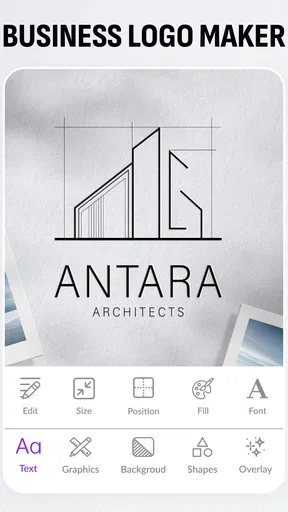
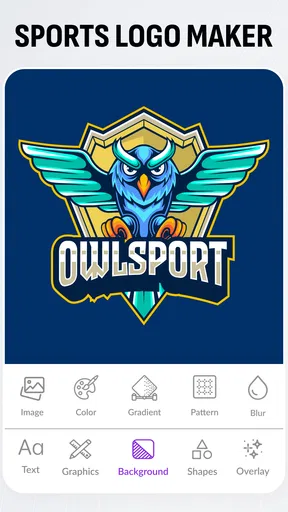
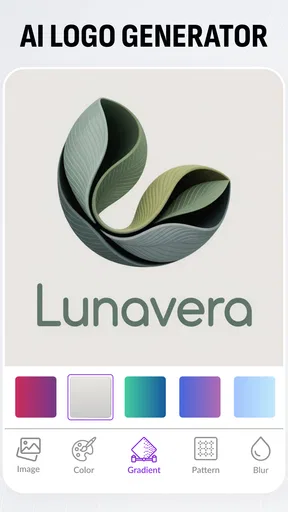
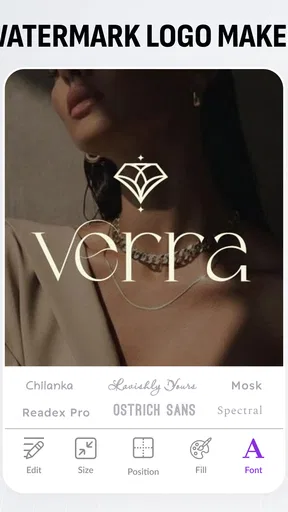
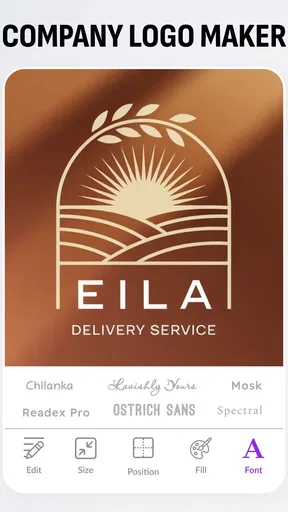
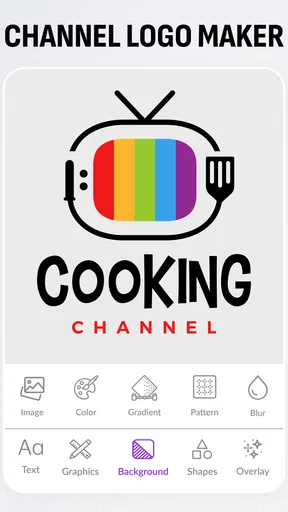
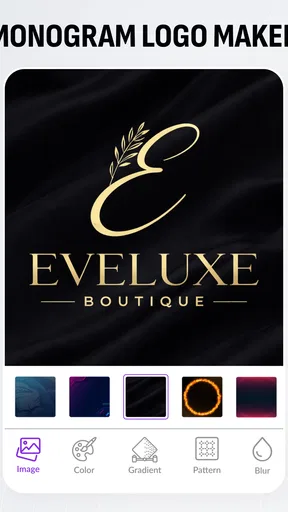
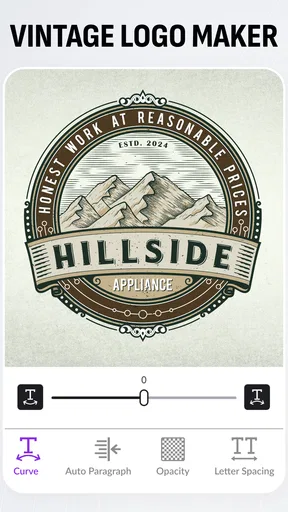
 Analysis by AppCompare
I approached Logo Maker, AI Logo Generator as a quick way to explore logo ideas without starting from a blank canvas. That is the main appeal: this art and design app is aimed at people who need a visual identity but do not have design software or experience to hand. I would treat it as a practical starting point rather than a substitute for a designer, especially if the logo will represent a business for years.
What the free access means in practice
The app is free to install, with optional in-app purchases priced from $3.99 to $79.99 per item. That range matters: you can try the app before deciding whether any paid option is worthwhile, but the upper end is a substantial purchase, so I would check exactly what an item unlocks before paying. The price alone does not tell you whether it suits your needs.
For an early-stage project, free access can be useful for testing directions: is a simple icon, a wordmark, or a particular color family closer to what you want? I would hold off on spending until I had compared several concepts and knew what output I needed. If you only need a temporary graphic for a presentation or a small personal project, paying may not add enough value.
Where a generated logo earns its keep
The most useful role for an AI logo maker is reducing the friction of getting started. Instead of staring at a blank page, you can respond to prompts about your industry and preferences, then use the generated options to notice what feels right or wrong. Even a design you do not keep can clarify your brief: perhaps the type looks too formal, the palette feels too playful, or the symbol is too literal.
That makes the app especially handy when you are still shaping an idea. A person selling handmade goods at a local market, for example, could explore a few visual directions during a break, save the strongest candidates, and return later with fresh eyes. I would use that first pass to build a shortlist, not rush into treating the first attractive result as a finished identity.
Deciding whether it fits your project
I see the strongest fit for solo creators, hobby projects, and very small ventures that need a recognizable starting point without a complicated design workflow. It can also help someone prepare a rough visual brief before hiring a designer: saved examples show the styles and details they respond to, which can make a later conversation more concrete.
I would choose another route if you need a carefully researched identity, a distinctive custom mark, or a full brand system that stays consistent across packaging, signage, and digital products. A template-based editor gives more direct manual control, while a professional designer can ask deeper questions about audience and positioning. Neither is automatically better for every budget or deadline, but this app’s convenience is not the same thing as a strategic branding process.
Worth Reading Before You Choose

EA SPORTS FC Mobile 26 Is a Bigger Football Game, but It Takes Time

Flipboard Shows What News Apps Must Do Beyond the Feed

Switching to Android Auto Means Rethinking Your Driving Routine

Google Calendar Makes a Crowded Week Easier to Manage

Ludo King Makes the Most of the Minutes Between Plans

Baby Panda World Brings Quick Play to Modern Phones, but Its Game Library Feels Busy
Small workflow choices that improve the result
One useful habit is to make the brief specific before answering the app’s questions. Write down the audience, the feeling you want to convey, and any symbols or colors you want to avoid. That gives you a better way to judge the generated options than simply asking whether they look polished. If several results share the same weakness, adjust the direction instead of spending time fine-tuning a design that was never a good fit.
Another practical step is to compare a shortlisted design at more than one size and against more than one background. A logo that reads clearly in a large preview may lose its shape when reduced for a profile image or become hard to distinguish on a different surface. The app’s previews can help you think about context, but I would still inspect the exported file in the places you actually plan to use it.
Questions worth answering before you commit
Can you use it without paying? Yes: it is free to install, and purchases are optional. Is that enough for a final business logo? It depends on the project and on what the free workflow lets you do; I would verify the exact export and usage options in the app before relying on a design commercially. Do not assume that a preview and a production-ready file are the same thing.
Will it replace a designer? Not for every job. It can help you explore styles quickly, but if your identity needs to be original, thoroughly tested, and coordinated across many materials, a human designer or a more hands-on design process is the safer choice. Can you make a decision in one sitting? You can explore quickly, but I recommend saving a few candidates and revisiting them later. Distance often makes it easier to spot a design that is merely fashionable rather than right for your project.
The app is developed by Apps You Love and sits in the art and design category. It has a 4.9 average from around 68,000 ratings, with over one million installs. Those figures suggest that many people have tried it, but I would still judge the result against your own needs rather than popularity alone. It is rated for Everyone, and the current version is 134.0, with Android 8.0 as the minimum operating-system requirement.
Getting Started with Logo Maker, AI Logo Generator
The first thing I noticed when I opened Logo Maker, AI Logo Generator was its clean and intuitive interface. It doesn't bombard you with options, which is perfect for someone who just wants to dive in and create. The app guides you through the process with a few simple questions about your brand and preferences. It asks about your industry, style preferences, and color choices. This step is crucial because it helps the AI generate logos that are more aligned with your vision.
The Design Process
Once you've answered the initial questions, the app works its magic and generates a variety of logo options. I was pleasantly surprised by the diversity and quality of the designs. The AI takes into account current design trends while adding its unique touch. You can further refine the designs by adjusting fonts, colors, and layouts. The customization options aren't overwhelming, which is great if you want to make quick tweaks without getting lost in endless features.
One feature I particularly enjoyed is the ability to preview logos on different mediums, like business cards and websites. This gives you a realistic sense of how your logo will look in the real world, which is super handy. The app also allows you to save your favorite designs, making it easy to compare and choose the best one.
AI-Powered Creativity
The AI in Logo Maker, AI Logo Generator is impressive. It feels like having a personal designer at your fingertips. The app's ability to generate unique and professional-looking logos is a testament to its underlying technology. It’s especially useful for those who may not have a clear idea of what they want. The AI provides a solid foundation, and from there, you can tailor the design to fit your needs.
Another aspect worth mentioning is the app’s ability to learn from your preferences. As you interact with the designs, it starts to understand your taste better, creating more personalized logos over time. It’s like having a creative partner that evolves with you.
Exporting and Pricing
Once you're happy with your design, exporting it is a breeze. The app offers various file formats suitable for both digital and print use, ensuring your logo looks sharp no matter where it ends up. Pricing-wise, the app offers a free version, but for more advanced features and higher resolution exports, there are in-app purchases. The cost is reasonable considering the quality and convenience it offers.
While there are other logo design apps out there, I found the pricing of Logo Maker, AI Logo Generator to be competitive, especially given the level of customization and the professional look of the final products. It’s an investment in your brand’s identity that’s worth considering.
Final Thoughts
Overall, Logo Maker, AI Logo Generator is a fantastic tool for anyone looking to create a logo with minimal hassle. Its user-friendly interface, coupled with the power of AI, makes logo design accessible to everyone, regardless of their design skills. Whether you're a startup needing a brand identity or an individual embarking on a creative project, this app provides a straightforward solution.
In a world where branding is crucial, having a unique and professional logo sets you apart. With Logo Maker, AI Logo Generator, you can achieve that without breaking a sweat. So, if you're in the market for a new logo, give it a shot. You might just be surprised by what you can create!
My buy-or-skip verdict
I would try it when I need ideas quickly and want an approachable way to compare visual directions on a phone. Its strongest value is the guided route from a few preferences to editable candidates, especially for someone who would otherwise postpone making a logo because design tools feel intimidating. The free entry point makes that first exploration easier, while the paid range calls for a deliberate choice rather than an impulse purchase.
Before settling on a design, I would check that its lettering remains readable at small sizes, that its symbol does not look too close to a familiar mark, and that the available export suits the places I intend to use it. Those checks are more useful than choosing the most elaborate option. For a casual project, a quick, good-enough result may be exactly right; for a business identity that must stand out and hold together across many uses, I would use the app for inspiration and look to a more controlled design process for the final decision.
Pros
- Intuitive interface for easy navigation.
- Wide variety of design templates available.
- Customizable elements for personalized logos.
- Fast rendering and export of logos.
- Supports multiple file formats for saving.
Cons
- Limited free features; premium needed.
- In-app ads can be disruptive.
- Advanced features may have a learning curve.
- Occasional bugs in the editing process.
- Requires internet for full functionality.
FAQs for AI Logo Generator, Logo Maker
What features does the Logo Maker, AI Logo Generator offer?
The Logo Maker, AI Logo Generator provides a range of features including customizable templates, a variety of fonts, and a vast library of icons and symbols. With its AI capabilities, it helps generate unique logo designs based on user inputs, making it suitable for businesses of all sizes.
Is the Logo Maker app user-friendly for beginners?
Yes, the Logo Maker app is designed with a user-friendly interface that caters to beginners. It offers step-by-step guidance and intuitive controls, ensuring that users with no design experience can easily create professional-looking logos. Tutorials are available to aid in the creation process.
Are there any costs associated with using the Logo Maker app?
The Logo Maker app offers both free and premium versions. While the basic features are accessible for free, unlocking advanced templates and design elements may require a subscription or one-time purchase. Users should check the app for detailed pricing information before downloading.
How does the AI functionality enhance the logo design process?
The AI functionality in the Logo Maker app analyzes user inputs such as business name, industry, and style preferences to generate personalized logo designs. This intelligent system streamlines the creative process, providing users with innovative design options that align with their brand identity.
Is my logo design safe and securely stored in the app?
The app ensures that all user data and designs are stored securely. Users have the option to save their projects in the app's cloud storage for easy access and editing. It's recommended to review the app’s privacy policy for detailed information on data security and storage practices.


